
Visitor Management System: Complete Guest Access Control and Security
Visitor management automatically registers incoming visitors, verifies purpose, contacts host employees for approval, and logs exit times. Prevents unauthorized people from roaming through facilities unmonitored. Real-time host notifications. Complete security audit trail. TimeWatch VMS is deployed at 200+ facilities across India including corporate offices, government buildings, manufacturing plants, hospitals, and educational institutions. Typical results: 100% visitor tracking (no unaccounted persons), zero unauthorized access incidents, improved facility security reputation, fast visitor check-in (2-3 minutes vs. 10-15 minutes manual), complete compliance documentation.
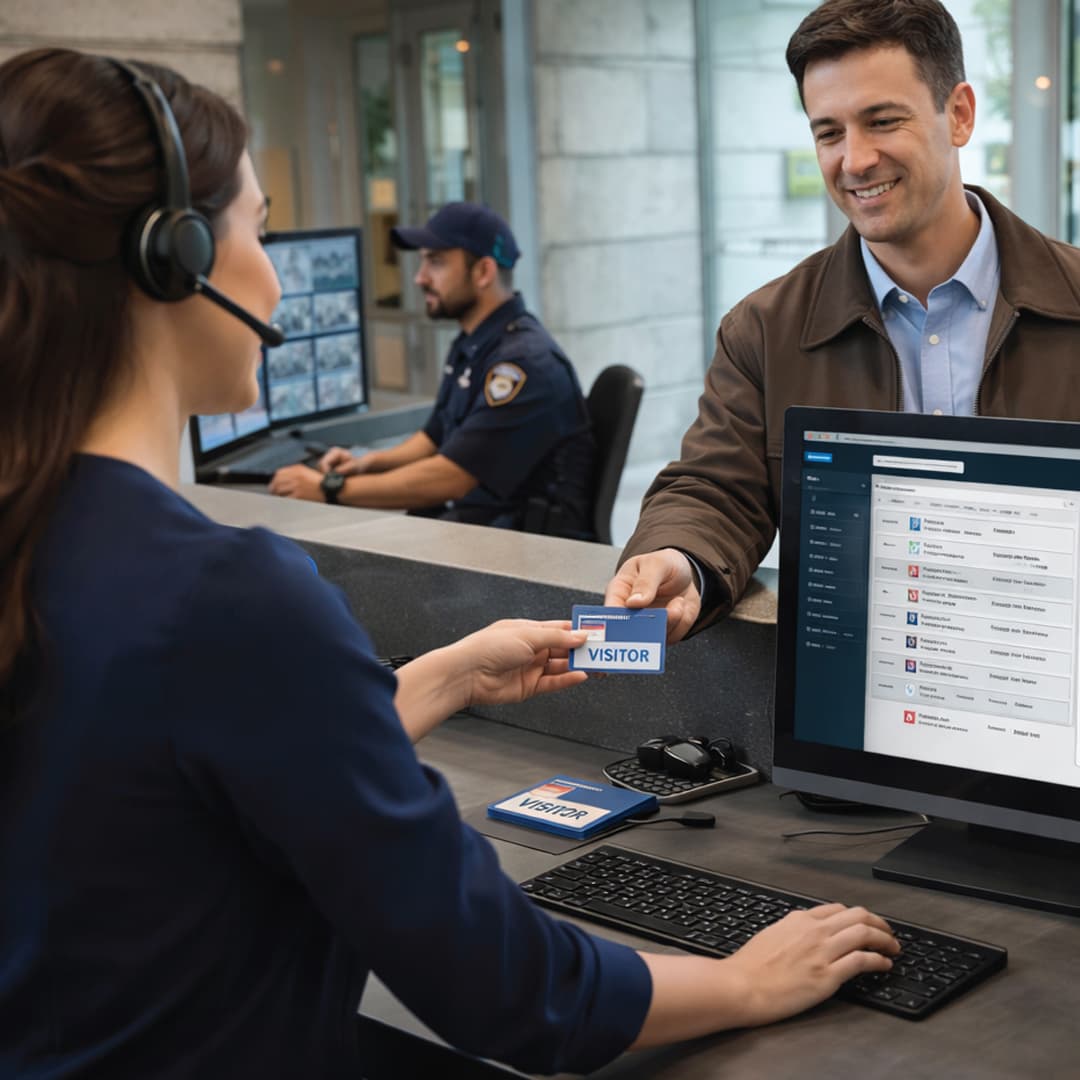
Today's Visitor Log
Entry 08:15 AM · Exit 09:45 AM · 1.5 Hours
2-3
Min Check-In
Security Problems Visitor Management Solves
Unauthorized Entry and Roaming
Manual visitor logbooks easily forged. No verification of visitor identity or purpose. Unknown persons roam facilities uncontrolled. Security has no visibility of who is currently in building. Pose theft, espionage, or safety risks.
No Host Notification
Receptionist manually calls host. No documentation of approval. Visitor enters without host confirmation. Host doesn't know visitor is in building.
No Exit Tracking
No record of when visitor left building. If incident occurs, security cannot determine if visitor was still present or already departed. Creates liability.
Manual Documentation Problems
Handwritten logbooks lack legibility. Entries missing or fabricated. Information lost if notebook damaged. No searchable records.
Government and Audit Exposure
Security audits require documented visitor trails. Manual records don't satisfy compliance requirements. ISO and contract audits demand electronic visitor documentation. Risk of audit failure.
Secure your facility with complete visitor tracking.
Request VMS demo and site assessment.
How Visitor Management System Works

Step 2 - Registration Tablet Interface
Staff enters (or visitor self-registers): Name, Company, ID type, ID number, Purpose of visit, Host employee name, Contact information.

Step 5 - Badge Generation
Upon approval, system prints temporary badge (valid only for scheduled duration, expires automatically). Includes visitor photo, duration, host employee name.
Step 1 - Visitor Arrives at Reception
Visitor approaches reception desk. Reception staff accesses tablet/computer with VMS system.
Step 2 - Registration Tablet Interface
Staff enters (or visitor self-registers): Name, Company, ID type, ID number, Purpose of visit, Host employee name, Contact information.
Step 3 - Host Employee Notification
System automatically sends SMS/email to host employee: "Visitor John Smith from ABC Company to see Rajesh Sharma. Purpose: Project meeting. Approve? Yes/No"
Step 4 - Approval Decision
Host approves or denies visitor access. If denied: Visitor informed immediately, entry prevented, incident logged. If approved: System sends approval notification to reception.
Step 5 - Badge Generation
Upon approval, system prints temporary badge (valid only for scheduled duration, expires automatically). Includes visitor photo, duration, host employee name.
Step 6 - Visitor Access
Visitor receives badge. Badge required to be visible at all times. Security can verify badge legitimacy by scanning at any point.
Step 7 - Exit Registration
At departure, visitor returns badge. Reception scans badge: Exit time recorded automatically. Duration calculated (check for overstay).
Step 8 - Audit Trail Created
Complete record created: Entry time (08:15 AM), exit time (09:45 AM), duration (1.5 hours), purpose (meeting), host employee, incident (none). Available for security review and audits.
Manual Logbook vs. VMS Comparison
| Manual Logbook | Card-Based Entry | VMS |
|---|---|---|
| No verification, no host notification, no tracking of exit, illegible handwriting, easily forged, non-searchable records | Visitor cards easily lost/stolen, no purpose tracking, no duration control | Host approval, real-time notifications, automatic exit logging, legible digital records, identity verification, tamper-proof, searchable database, duration control |
Industries Using Visitor Management
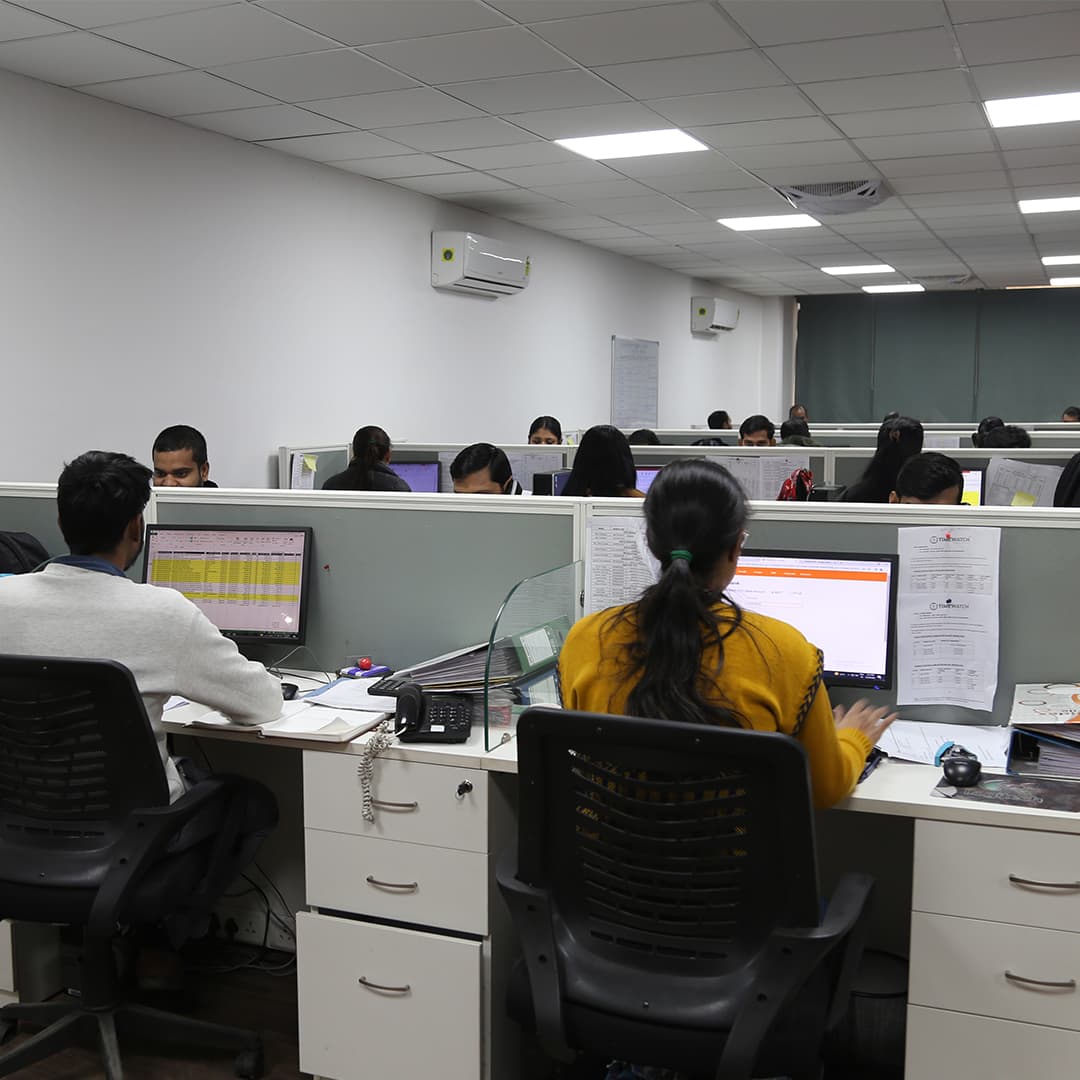
Corporate Offices
Client meetings, vendor visits, consultant access. VMS documents all client interactions, maintains professional reputation, prevents unauthorized access to executive floors.
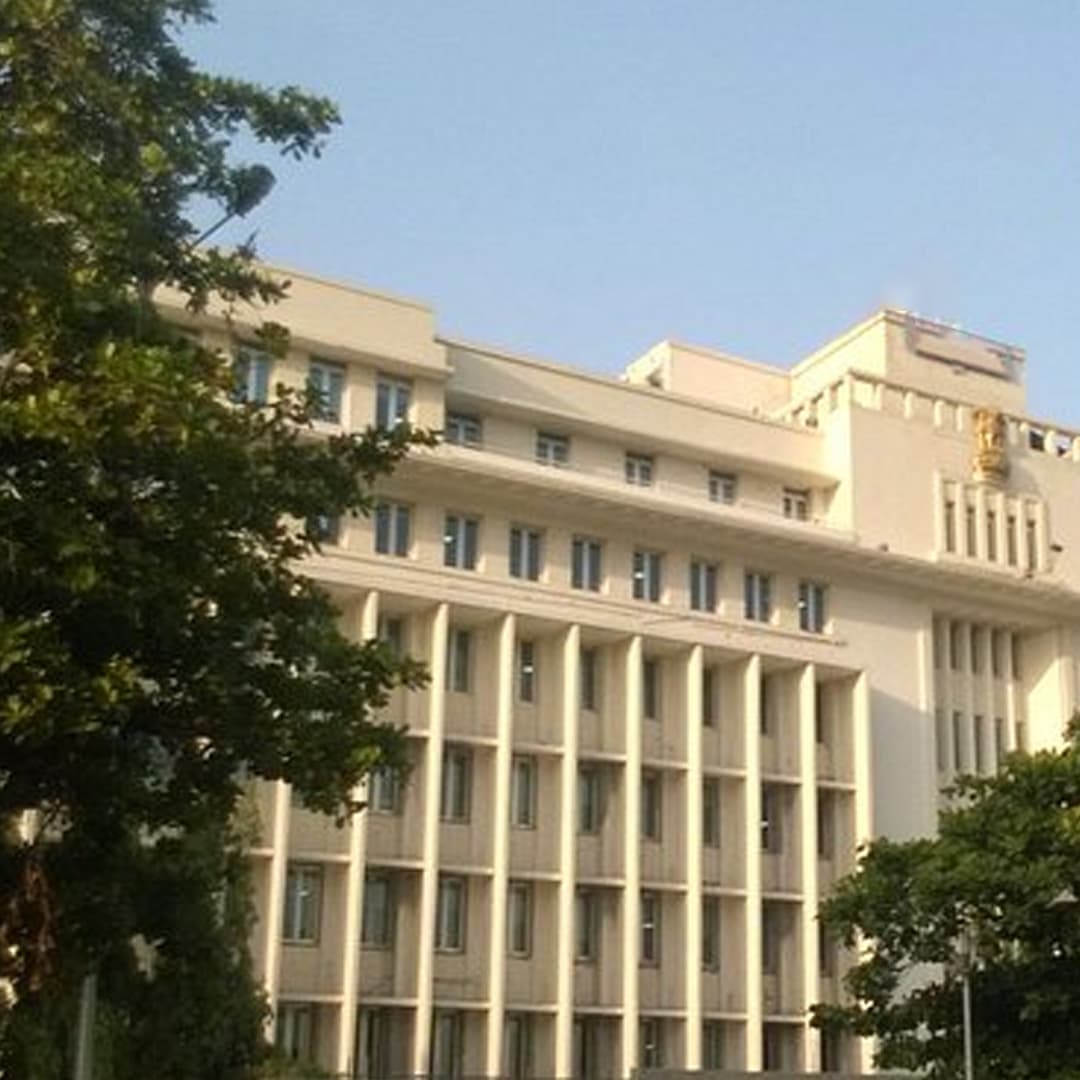
Government Buildings
Security clearance verification, visitor pre-registration, complete audit trail required by government agencies. Compliance with security protocols.

Manufacturing Plants
Supplier and vendor visits, contractor access, safety compliance. Badge prevents access to dangerous production areas.

Research and Development
Intellectual property protection, confidential meetings, restricted area access. Visitor access limited to approved areas only.

Data Centers
Critical infrastructure security, vendor access restricted, complete tracking of all entries. No unauthorized access to server rooms.
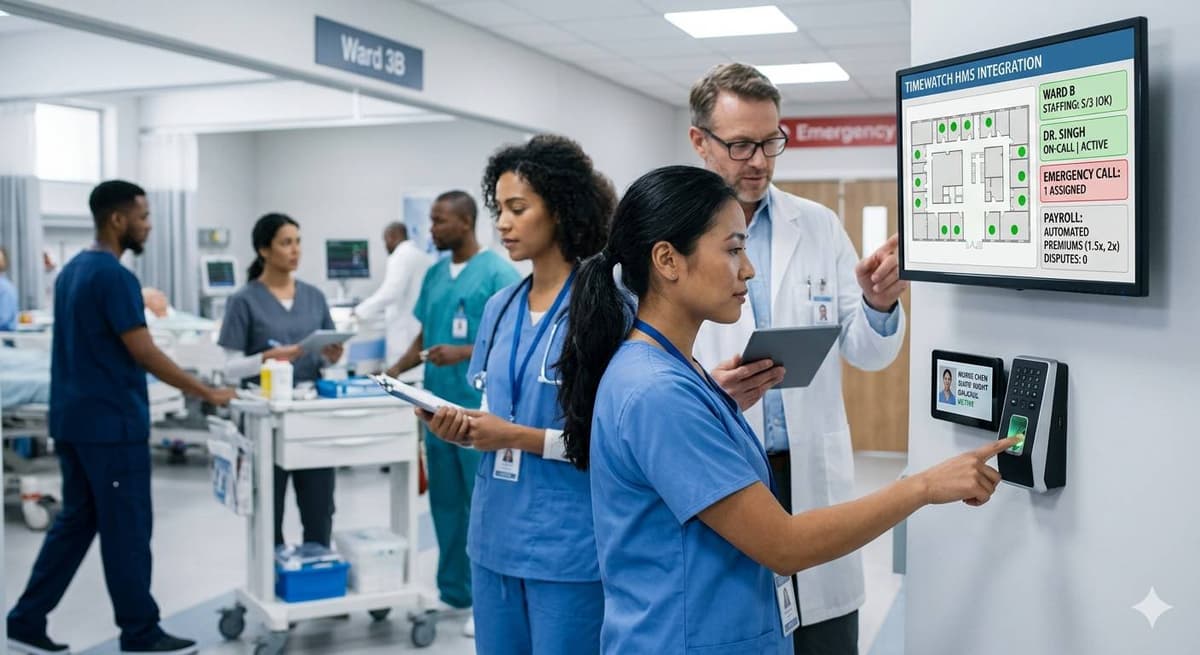
Hospitals
Patient visitor tracking, infection control (separate visitor areas during outbreaks), delivery personnel access controlled. Medical privacy protected.
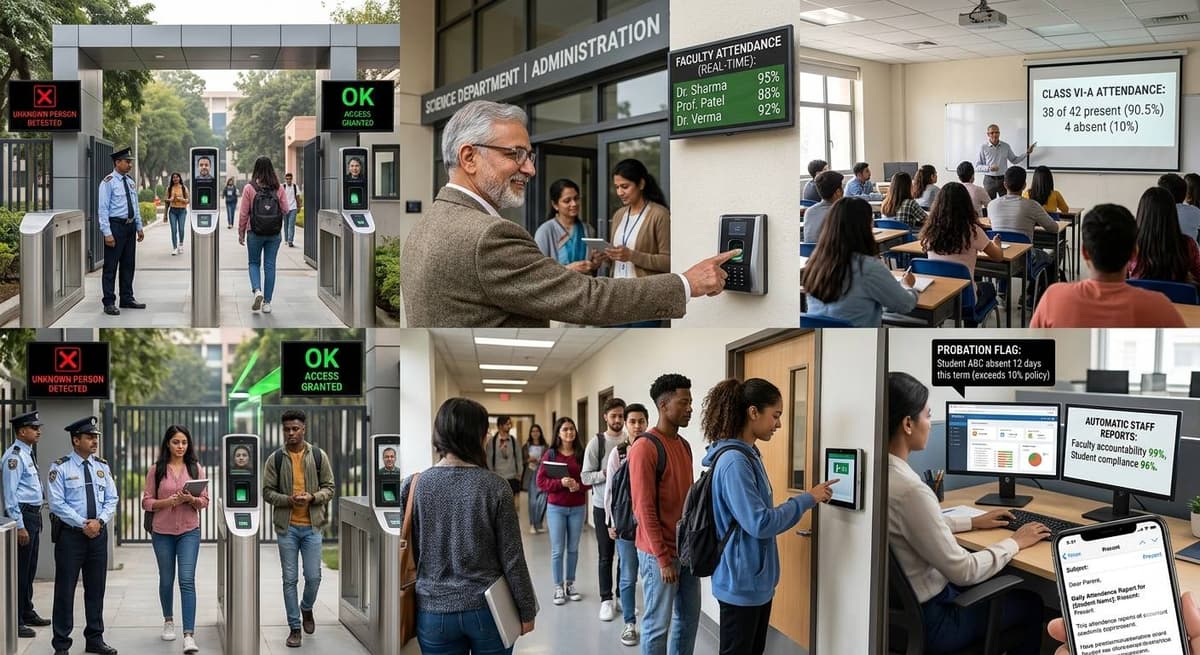
Educational Institutions
Guest lecturer visits, alumni events, vendor access, campus security. Student safety protected, unauthorized access prevented.
Key Benefits: Quantified Results
Zero Unauthorized Access
Complete visibility of who is in facility. Unknown persons immediately detected. Security can intervene instantly.
Host Notifications
Real-time SMS/email alerts. Hosts know exactly when visitors arrive. Can deny access remotely if needed.
Duration Control
System tracks: Expected departure time. Alerts if visitor overstays. Automatic badge expiration prevents extended unauthorized presence.
Complete Audit Trail
Every visitor logged with timestamp. Duration calculated automatically. Searchable database enables investigation (who visited on specific date).
Security Incident Response
If theft/incident occurs, security immediately knows: Who was in facility, when they entered/exited, who they met. Complete evidence available.
Compliance Documentation
Government audits satisfied with documented visitor trail. ISO requirements met. Reduces audit risk.
Professional Appearance
Digital badges, professional check-in process, host approval workflow. Corporate image enhanced vs. manual logbook.
Visitor Experience
2-3 minute check-in (vs. 10-15 minutes manual). Professional reception. Positive guest experience.
Emergency Evacuation
Know exactly who was in building. Accurate headcount during evacuations. Life safety improved.
Technical Specifications
Registration & Tracking
Registration
Self-service kiosk or staff-assisted entry
Data Fields
Name, ID, Company, Purpose, Host, Contact, Entry/Exit time
Notifications
SMS, Email, App push to host employee
Badge
On-demand thermal printer, laminated, expires automatically
Exit Tracking
Badge scanner or manual return
Reports & Integration
Database
Unlimited visitor records, searchable
Reports
Visitor summaries, frequency analysis, duration reports, security alerts
Integrations
Access control systems, security cameras, HR systems
Security
Encrypted storage, audit logs, data privacy
Duration
Configurable (1 hour, 4 hours, full day, etc.)
Frequently Asked Questions
Q: What if host employee is unavailable to approve visitor?
Q: Can we restrict visitors to specific areas?
Q: What if visitor loses badge?
Q: How long are visitor records maintained?
Q: Can we integrate with building security cameras?
Q: What about emergency access (fire, medical)?
Q: Can we manage multiple facility locations?
Q: Is visitor data secure and private?
Why Choose TimeWatch Visitor Management
TimeWatch VMS is deployed at 200+ facilities across India. Advantages: Easy deployment (tablet-based, no infrastructure), seamless access control integration (same credentials), complete security features (liveness detection for badge, anti-fraud design), 24/7 Indian support, cost-effective, scalable for multi-location operations.
Secure your facility with complete visitor tracking.
Request VMS demo and site assessment.
Related Access Control Solutions
Face Recognition Systems
AI-powered touchless facial identification with 99%+ accuracy and 24/7 thermal operation for access control.
ExploreAccess Control
Biometric zone-based access control with real-time alerts and complete audit trails for secure facilities.
ExploreBiometric Attendance Device
Fingerprint, face, palm, and RFID attendance devices with real-time HRMS and payroll integration.
Explore